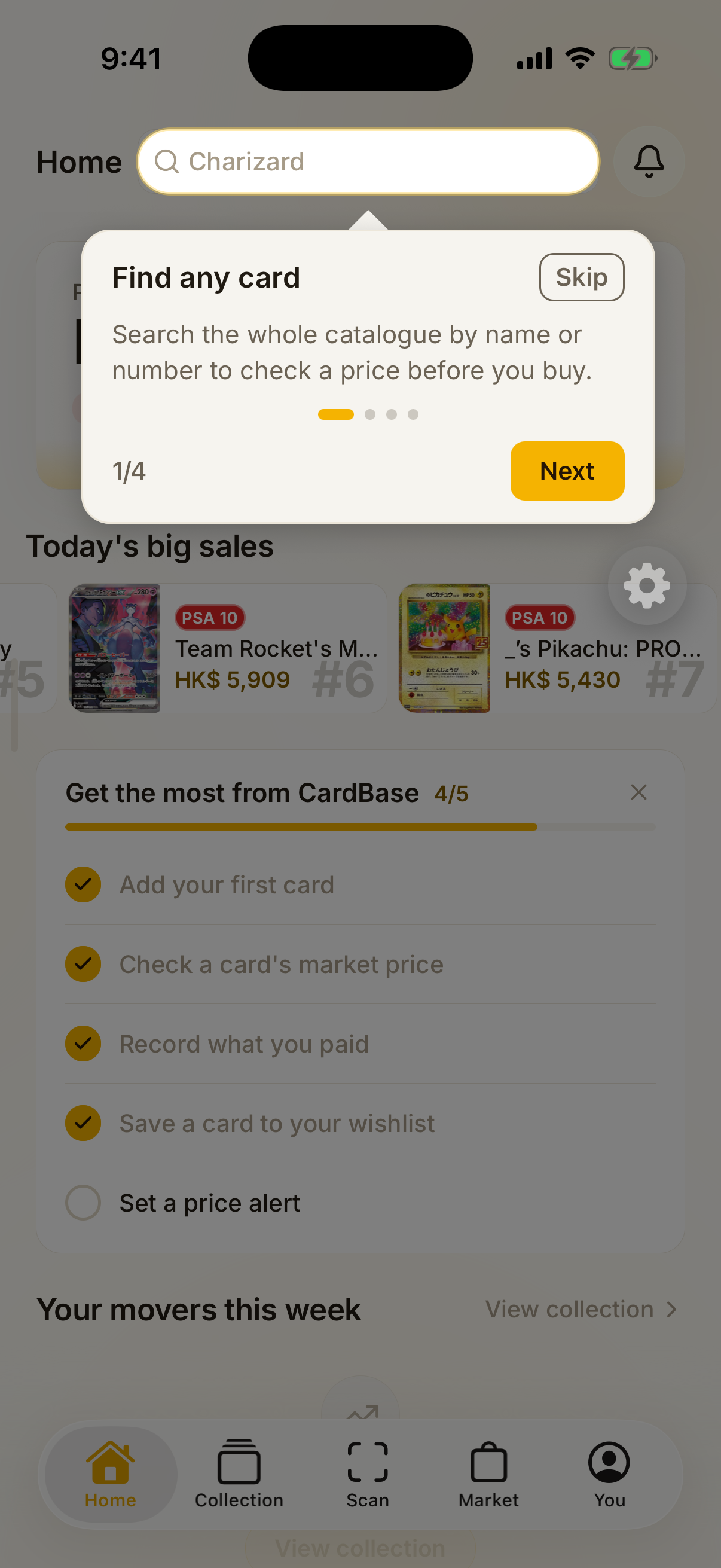
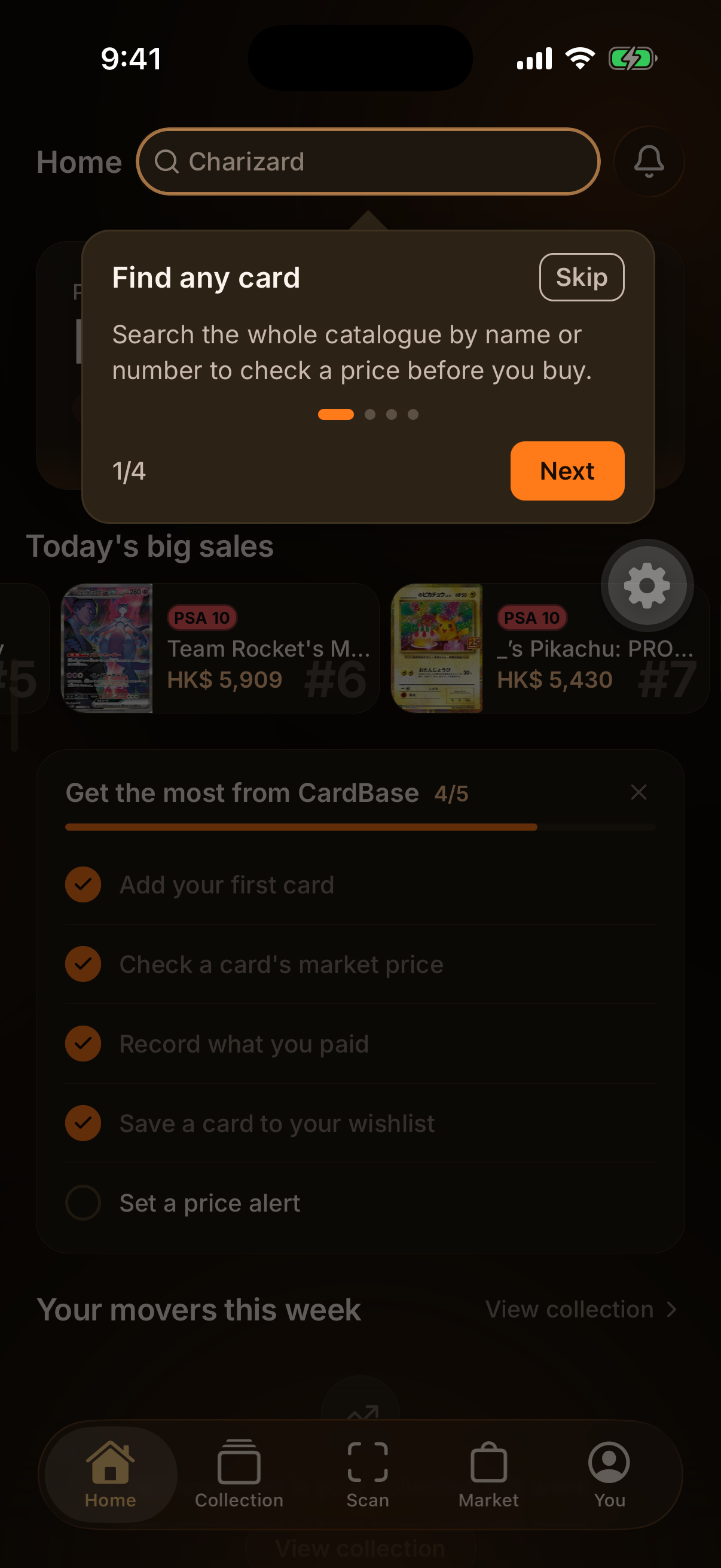
Home 1/4Find any cardSearch the whole catalogue by name or number to check a price before you buy.
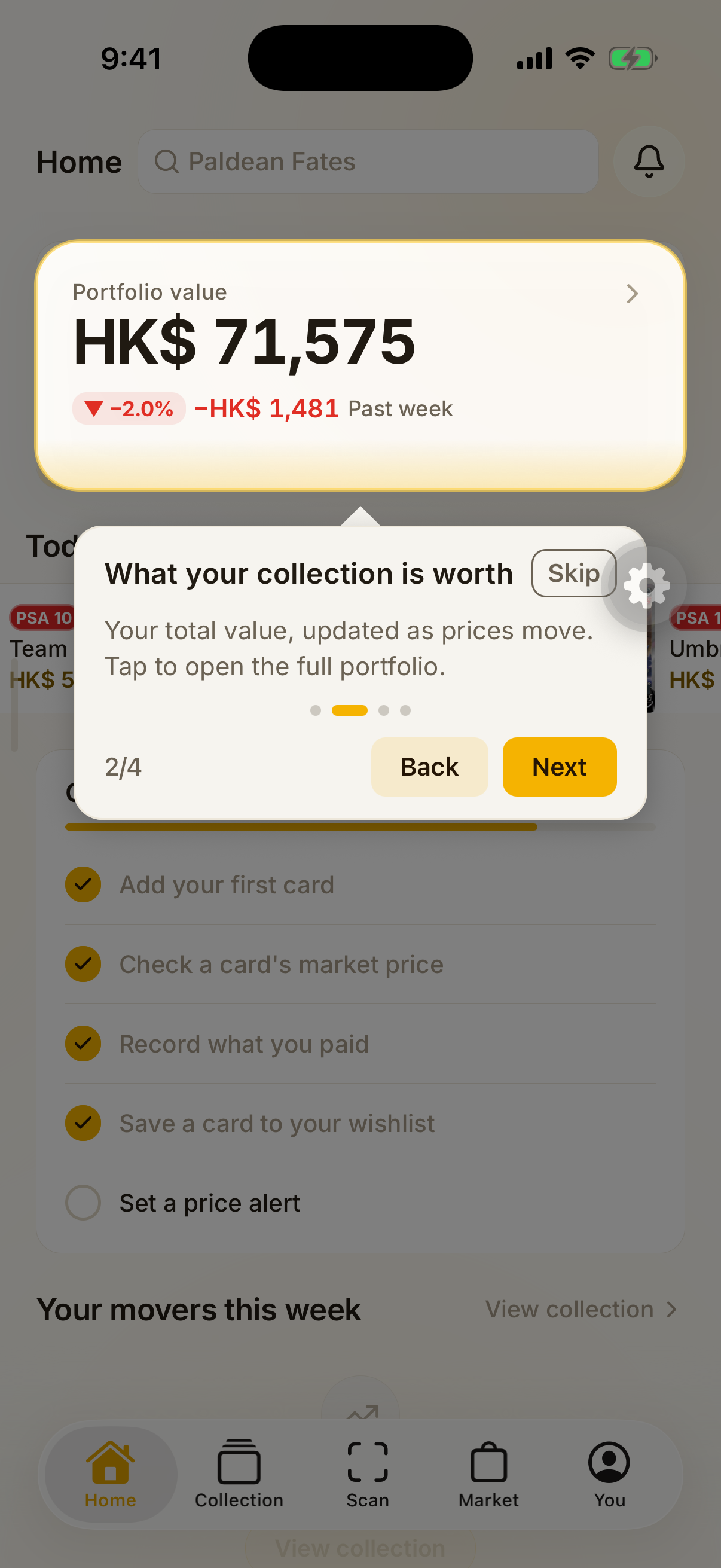
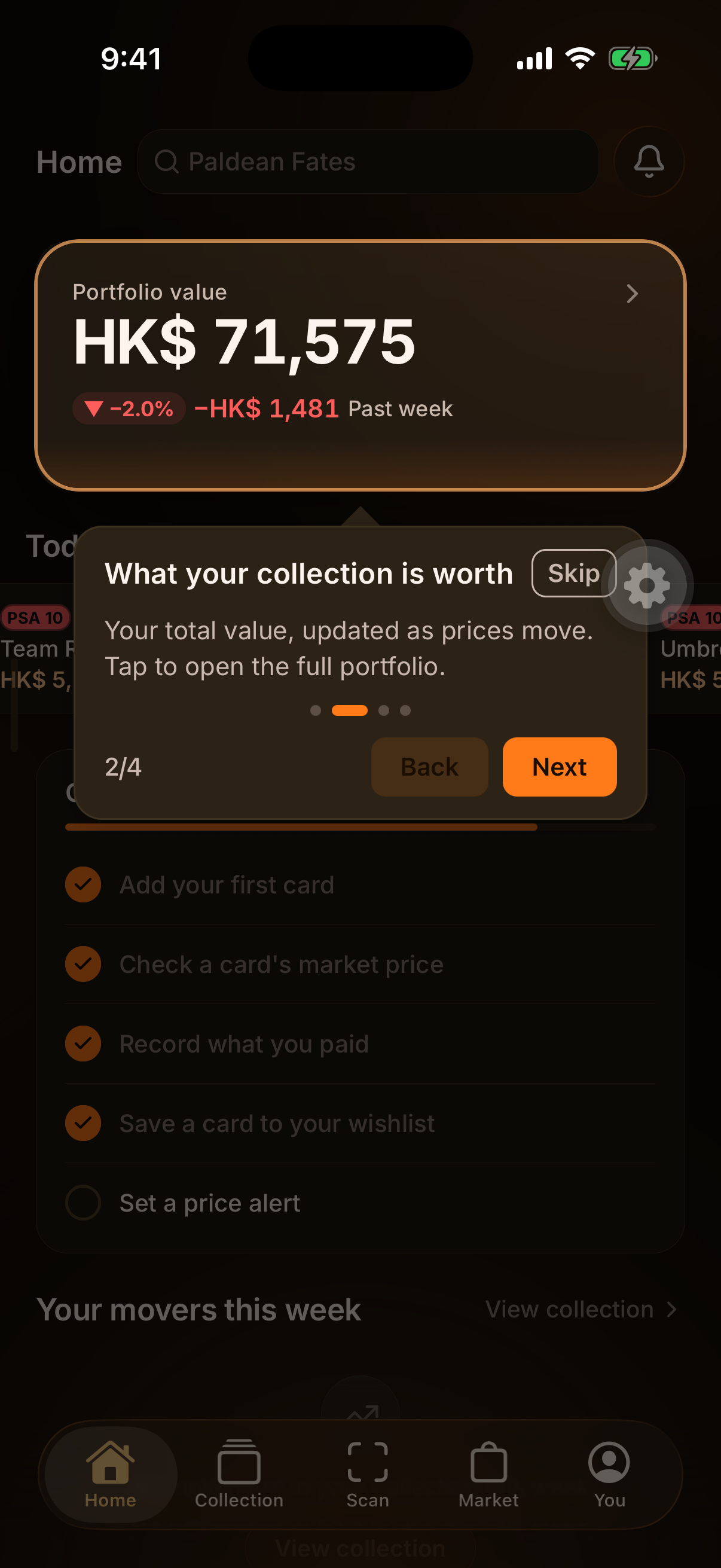
Home 2/4What your collection is worthYour total value, updated as prices move. Tap to open the full portfolio.
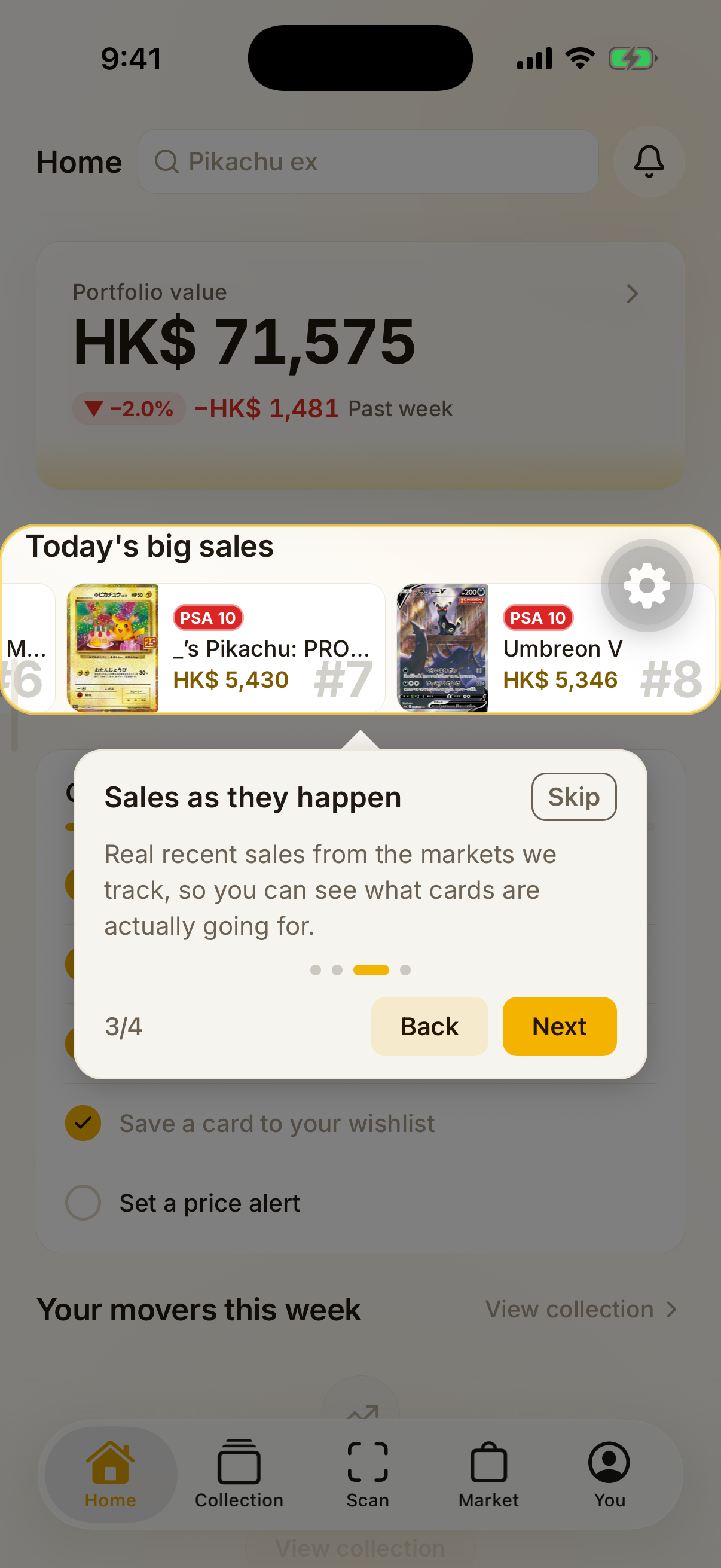
Home 3/4Sales as they happenReal recent sales from the markets we track, so you can see what cards are actually going for.
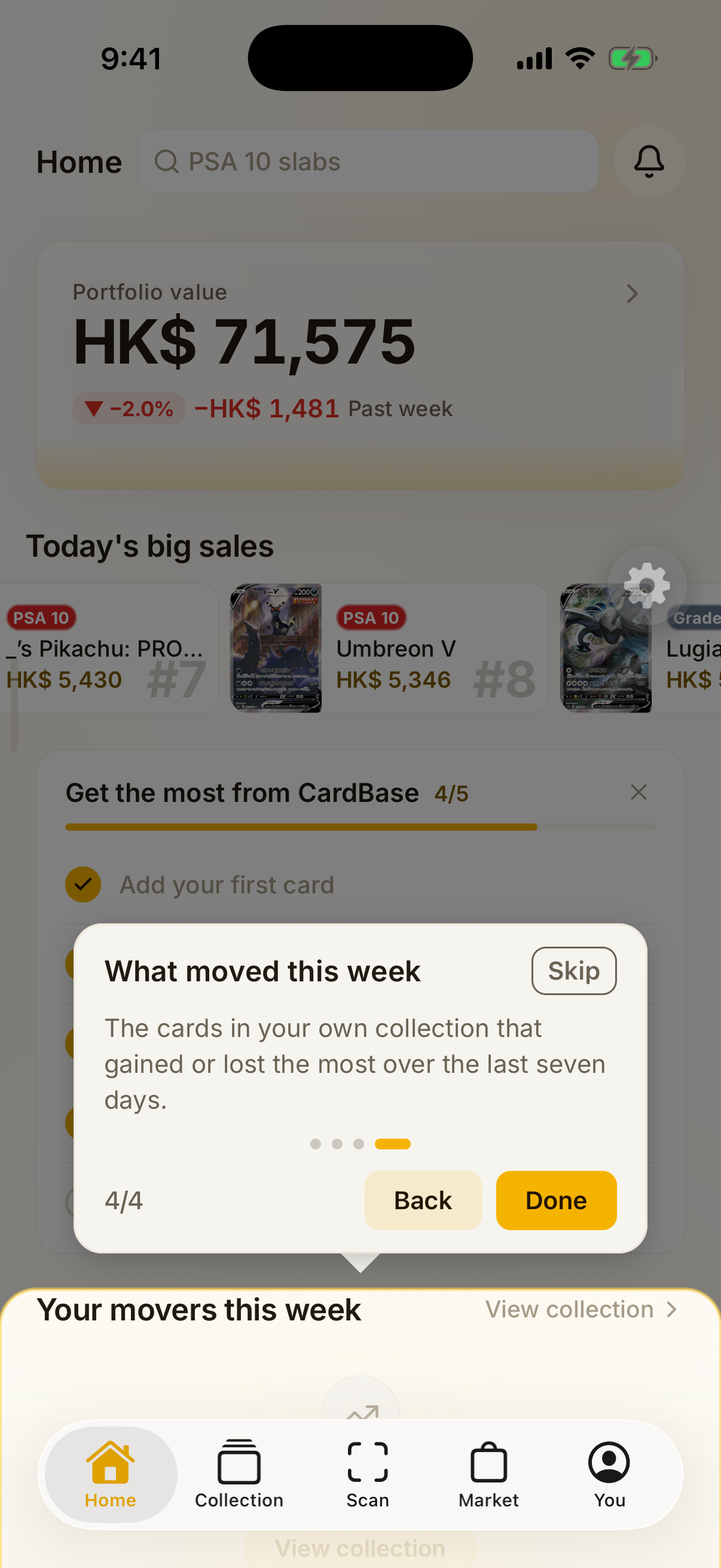
Home 4/4What moved this weekThe cards in your own collection that gained or lost the most over the last seven days.
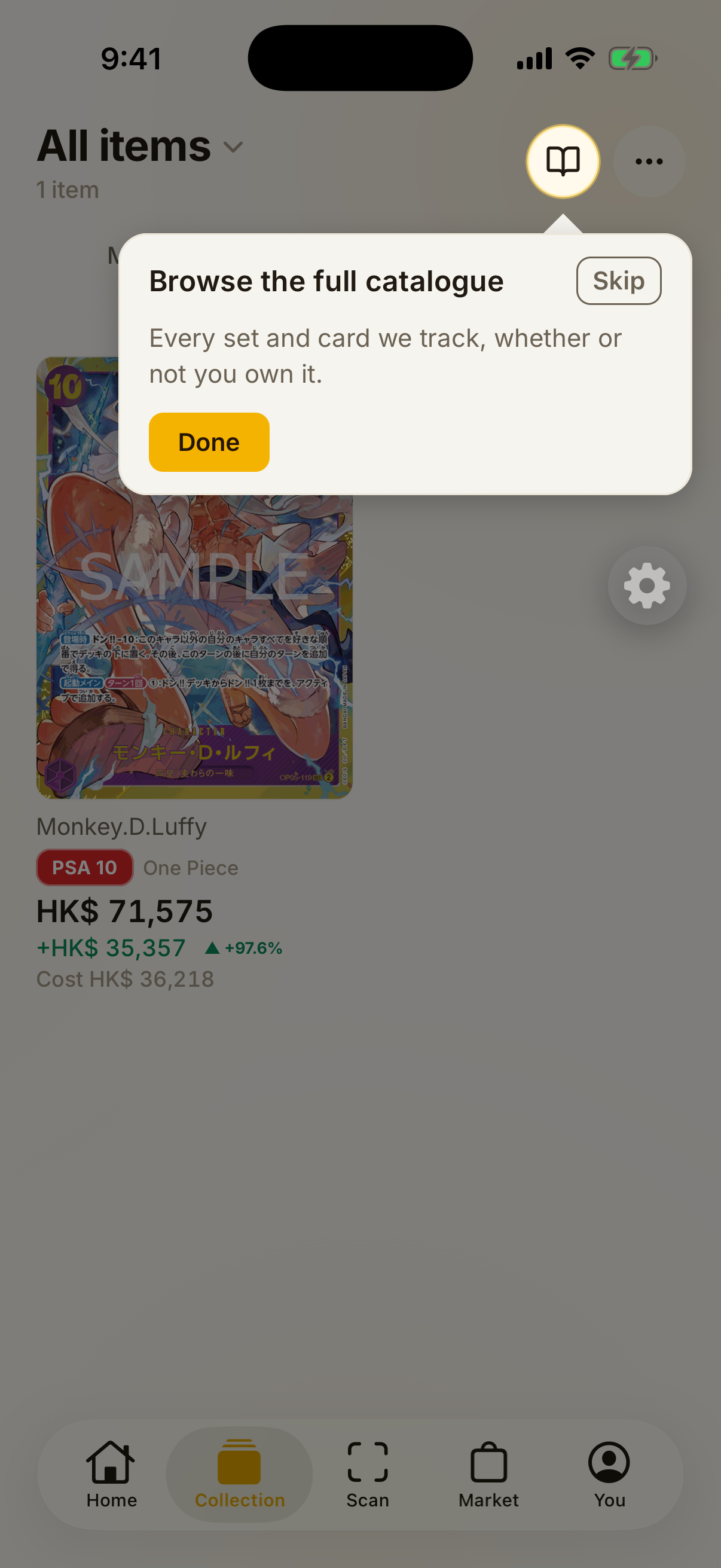
Collection 1/1Browse the full catalogueEvery set and card we track, whether or not you own it.1 of 4 — this account holds ONE card, so the portfolio block, lens chips and filter bar are correctly hidden by the density rules.
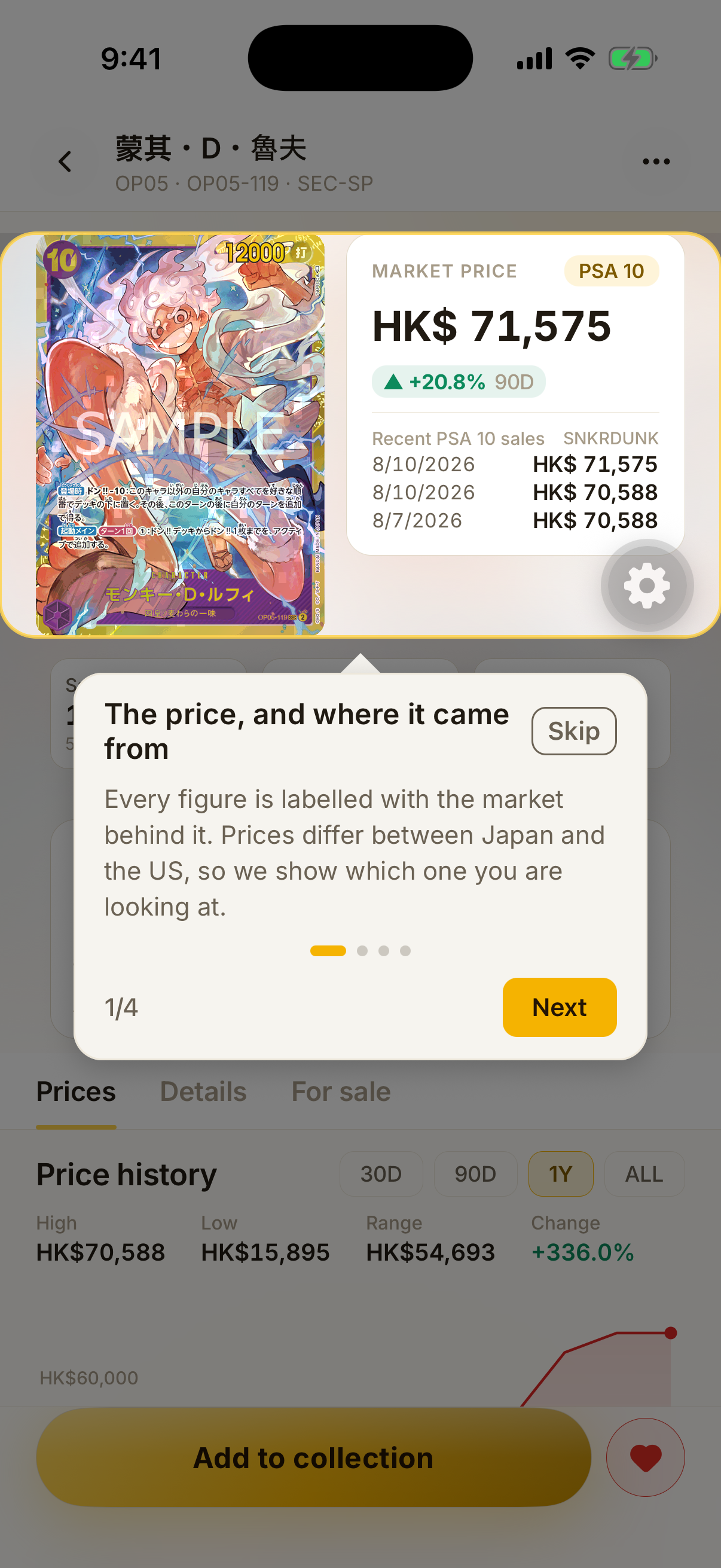
Card detail 1/4The price, and where it came fromEvery figure is labelled with the market behind it. Prices differ between Japan and the US, so we show which one you are looking at.
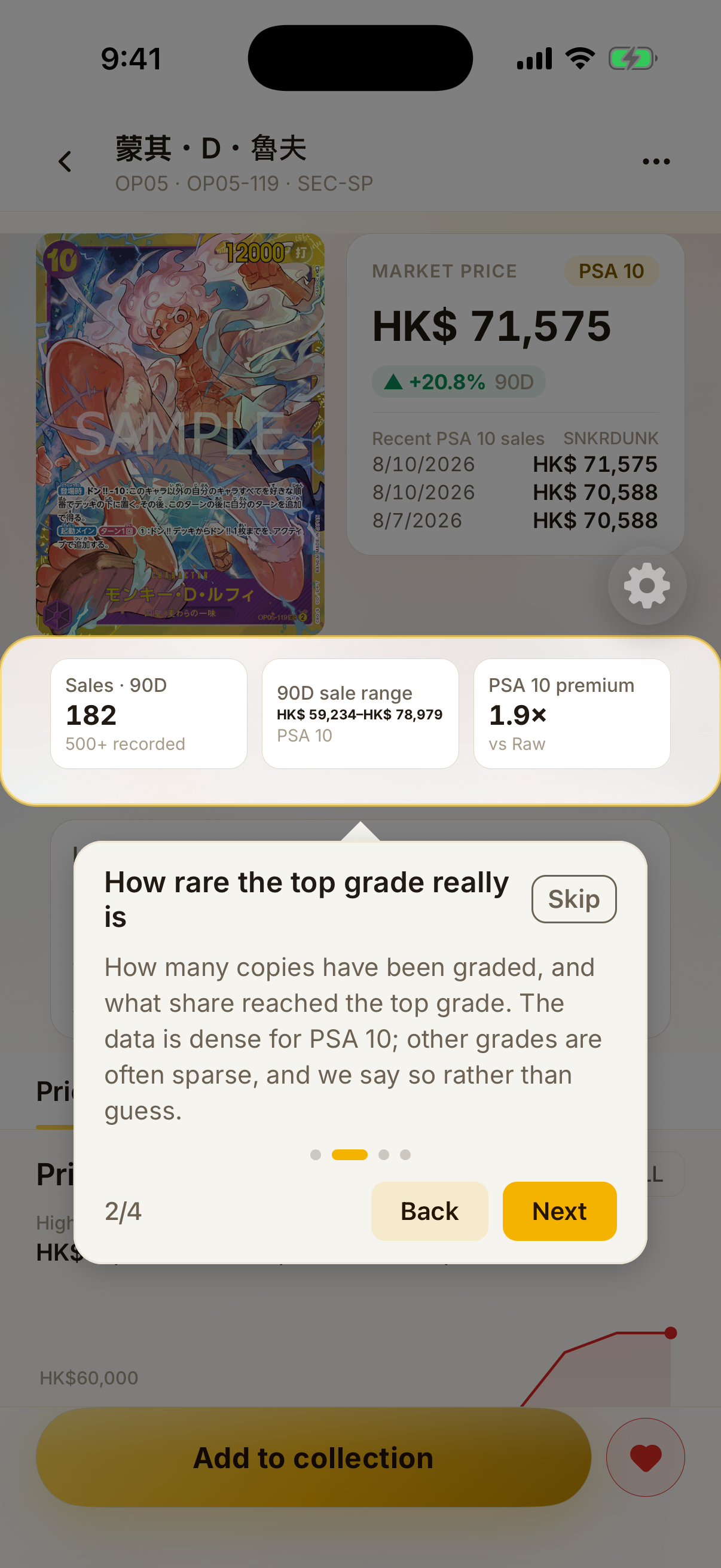
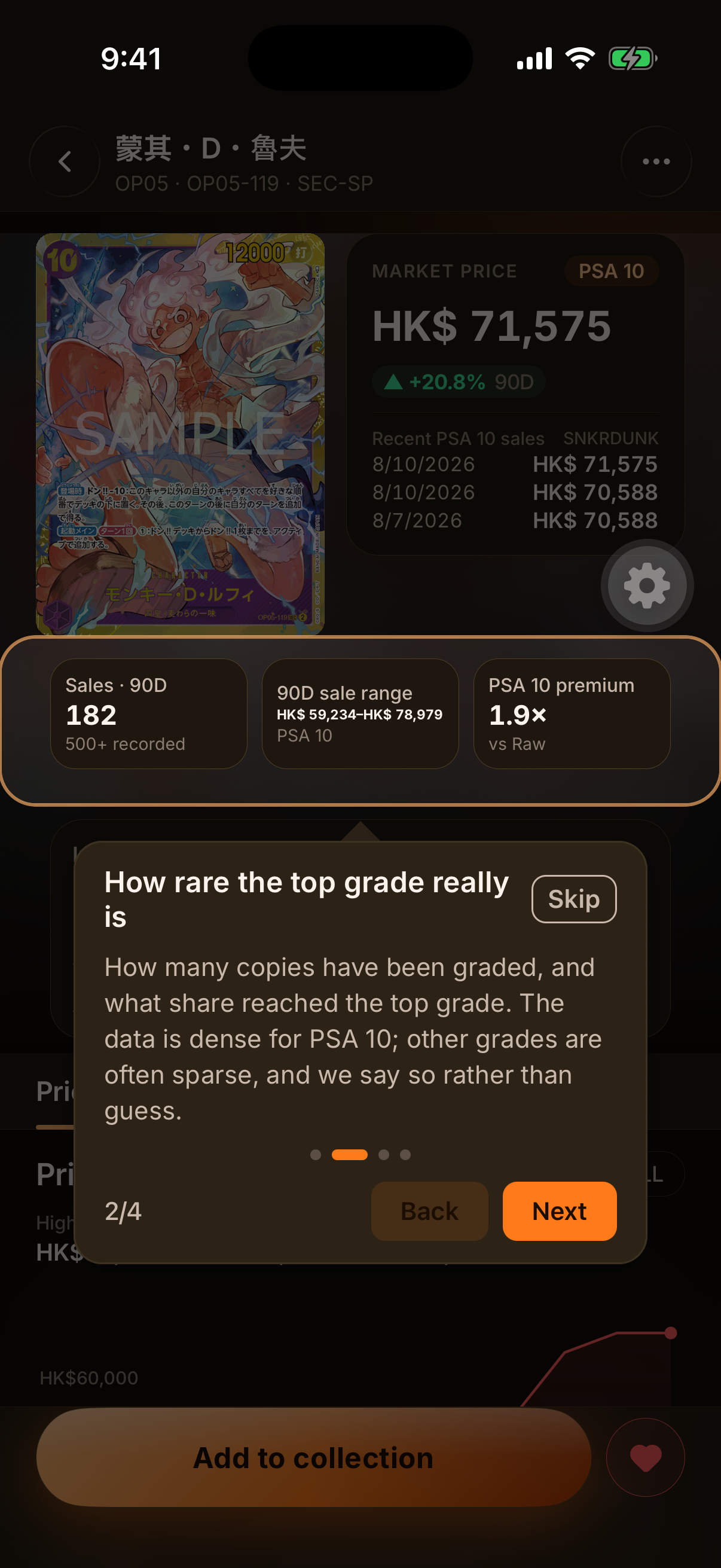
Card detail 2/4How rare the top grade really isHow many copies have been graded, and what share reached the top grade. The data is dense for PSA 10; other grades are often sparse, and we say so rather than guess.
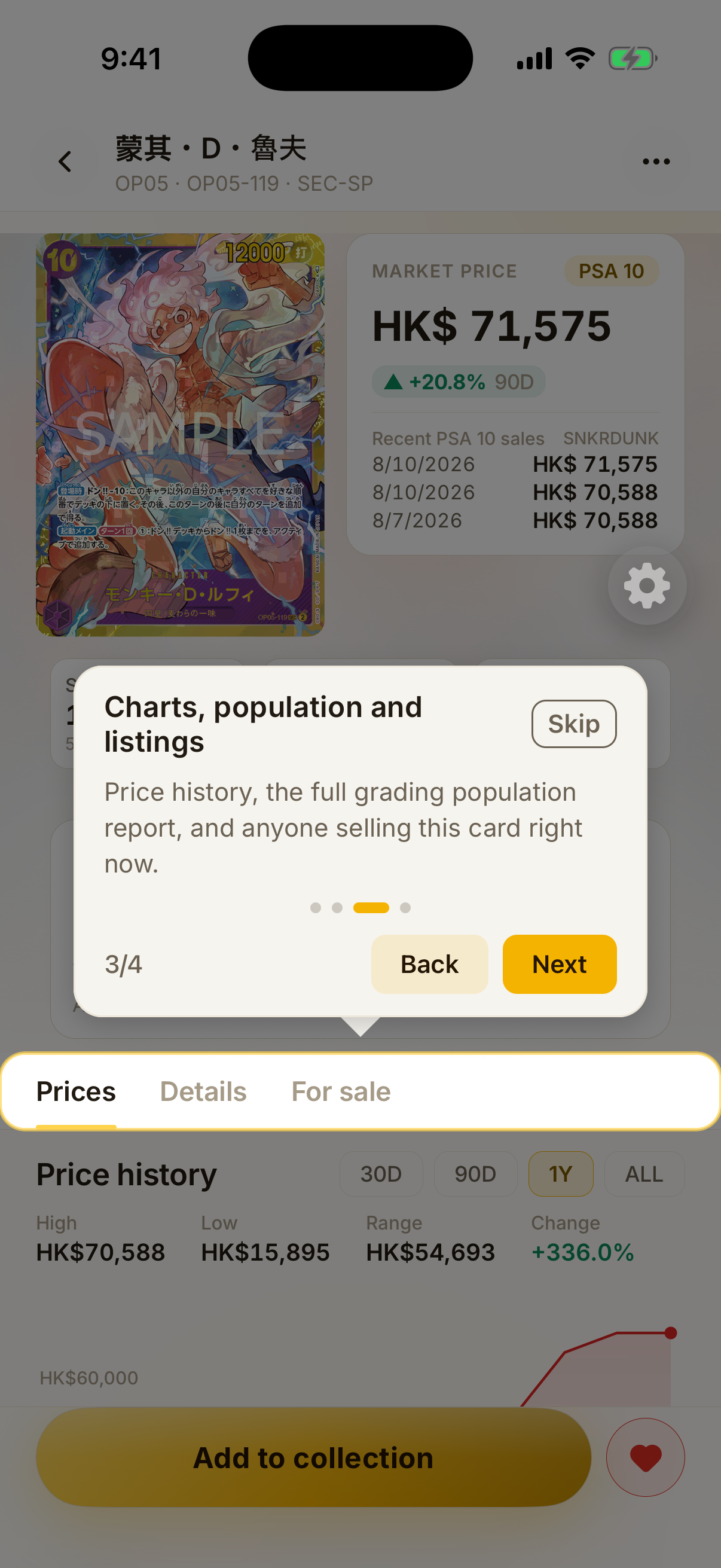
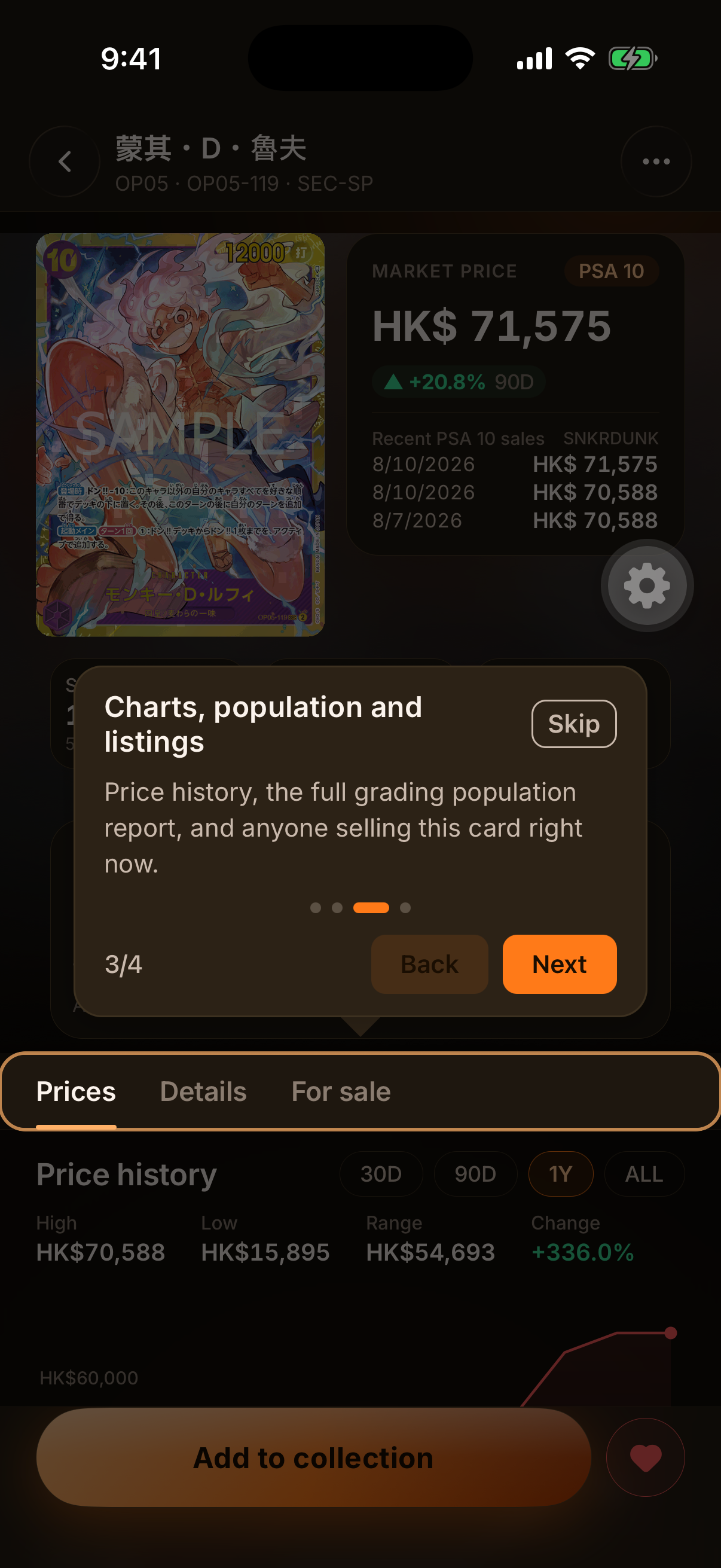
Card detail 3/4Charts, population and listingsPrice history, the full grading population report, and anyone selling this card right now.
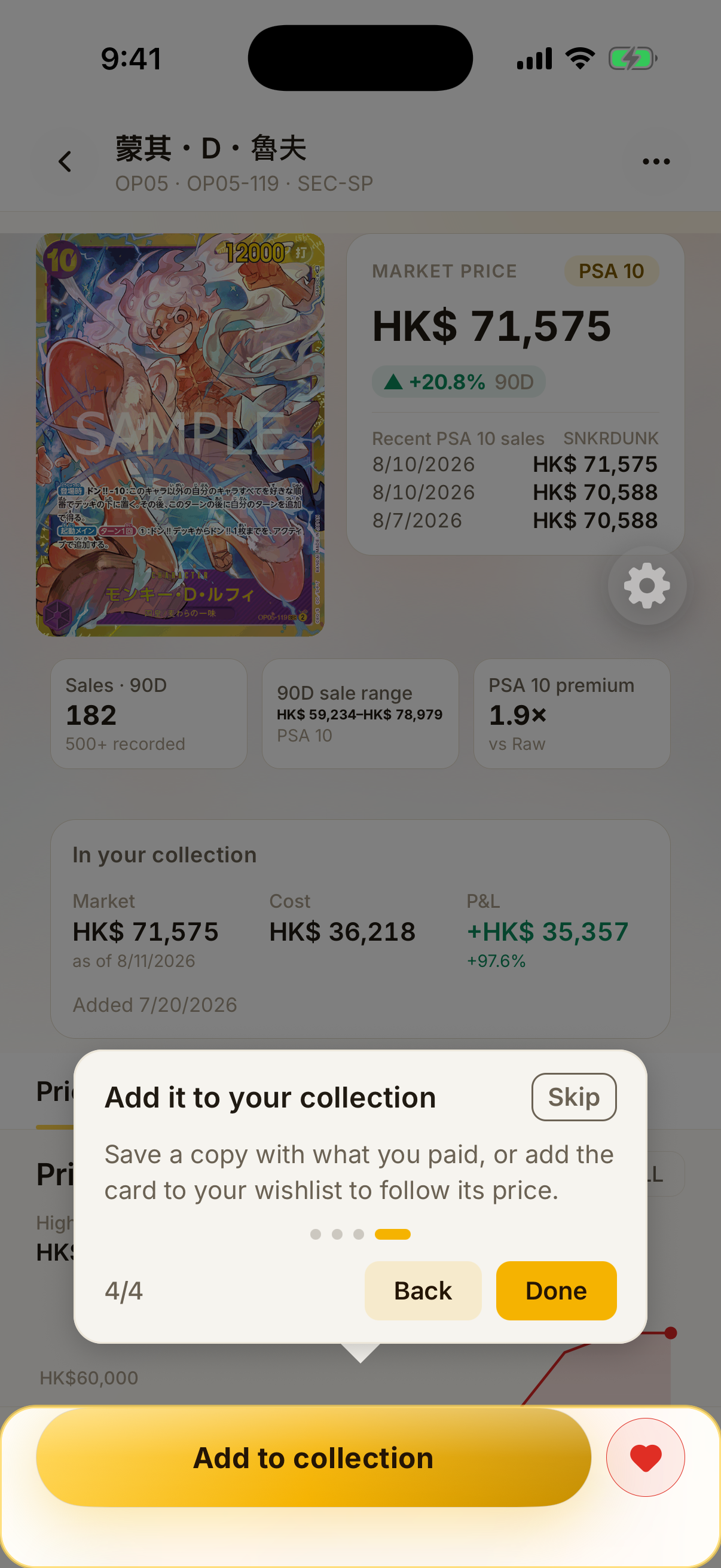
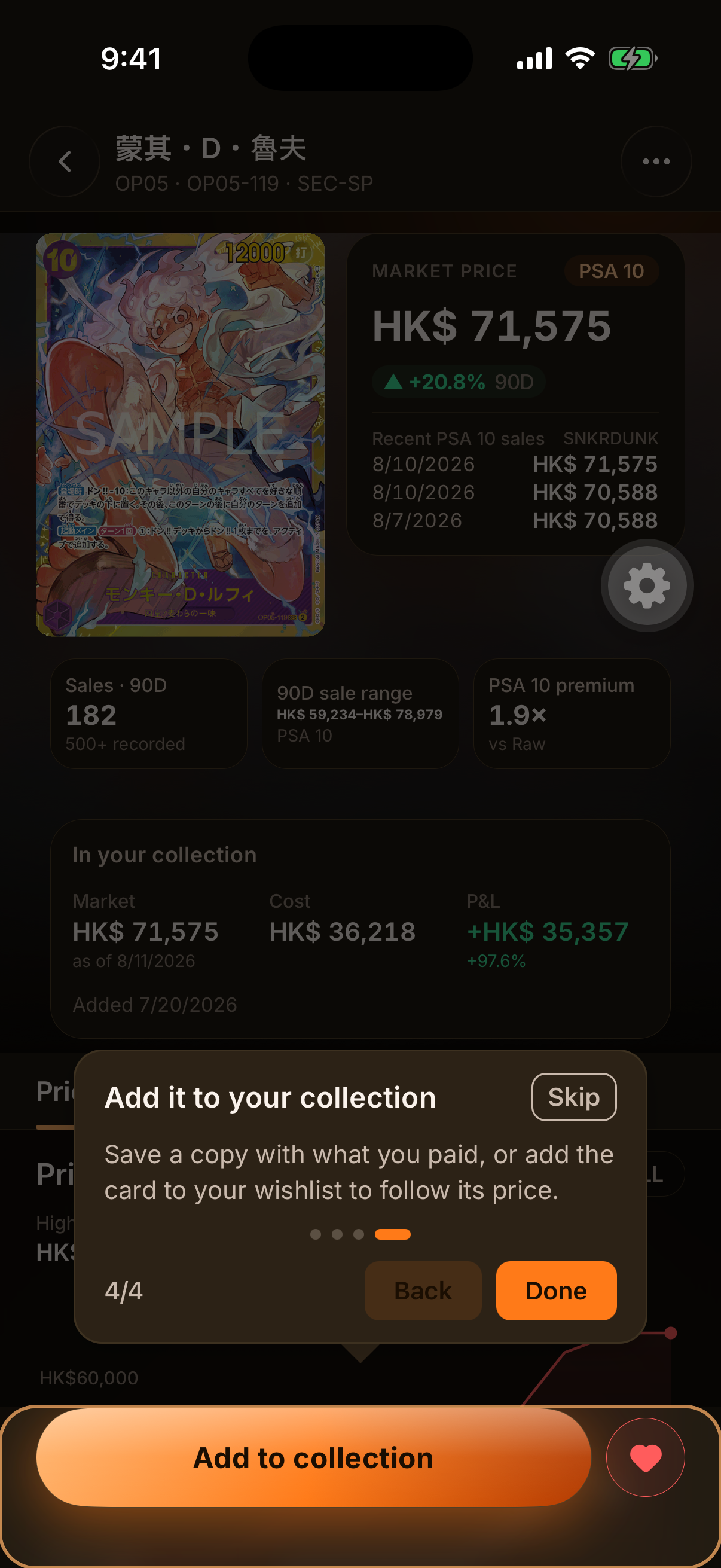
Card detail 4/4Add it to your collectionSave a copy with what you paid, or add the card to your wishlist to follow its price.
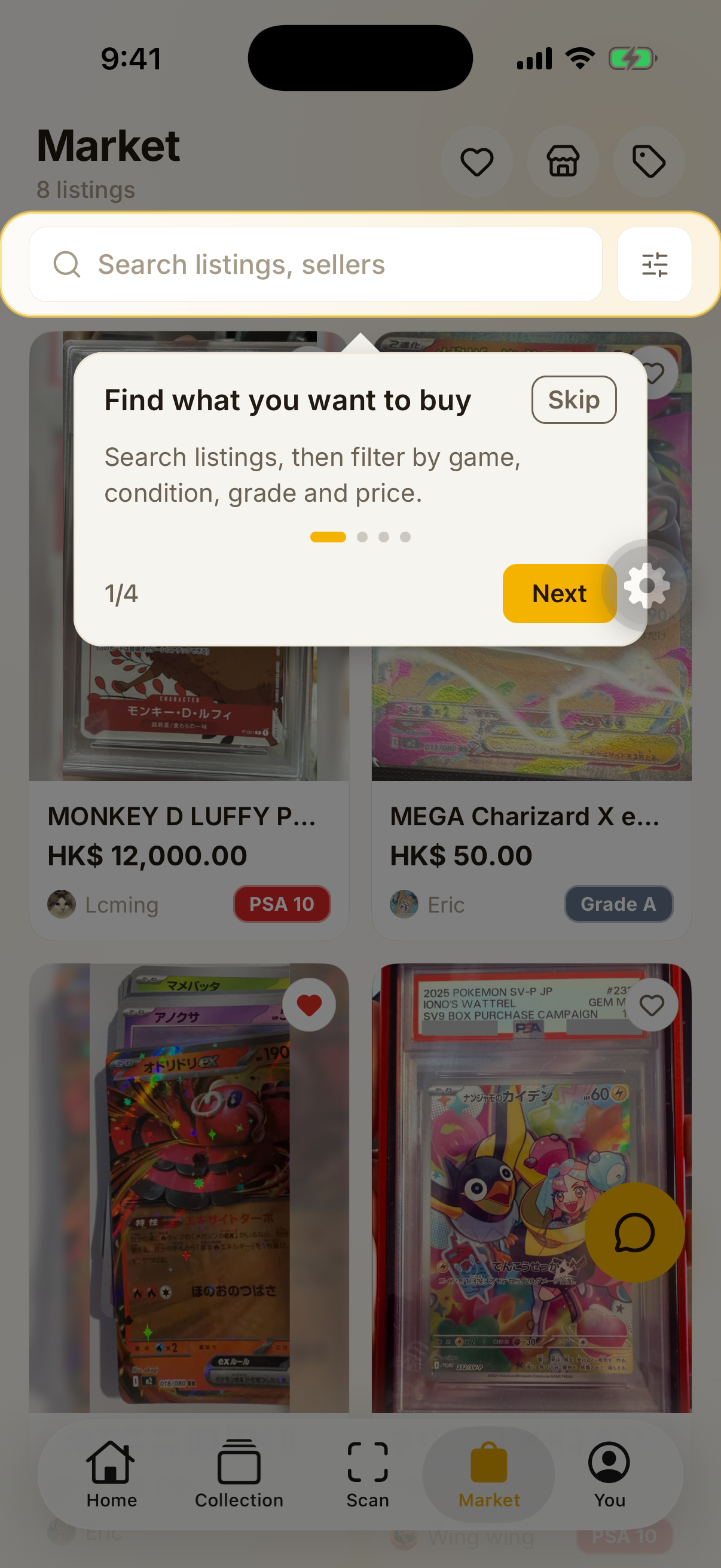
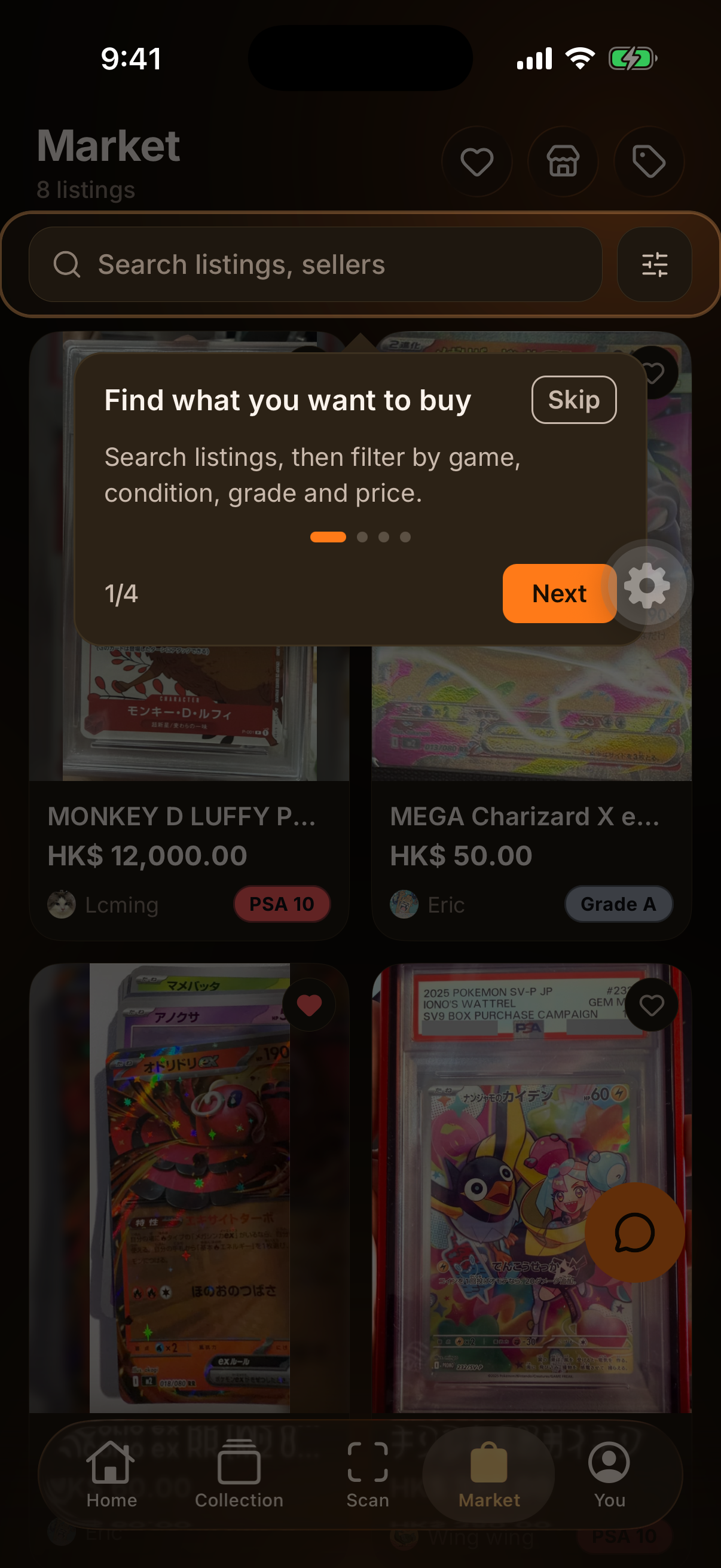
Market 1/4Find what you want to buySearch listings, then filter by game, condition, grade and price.
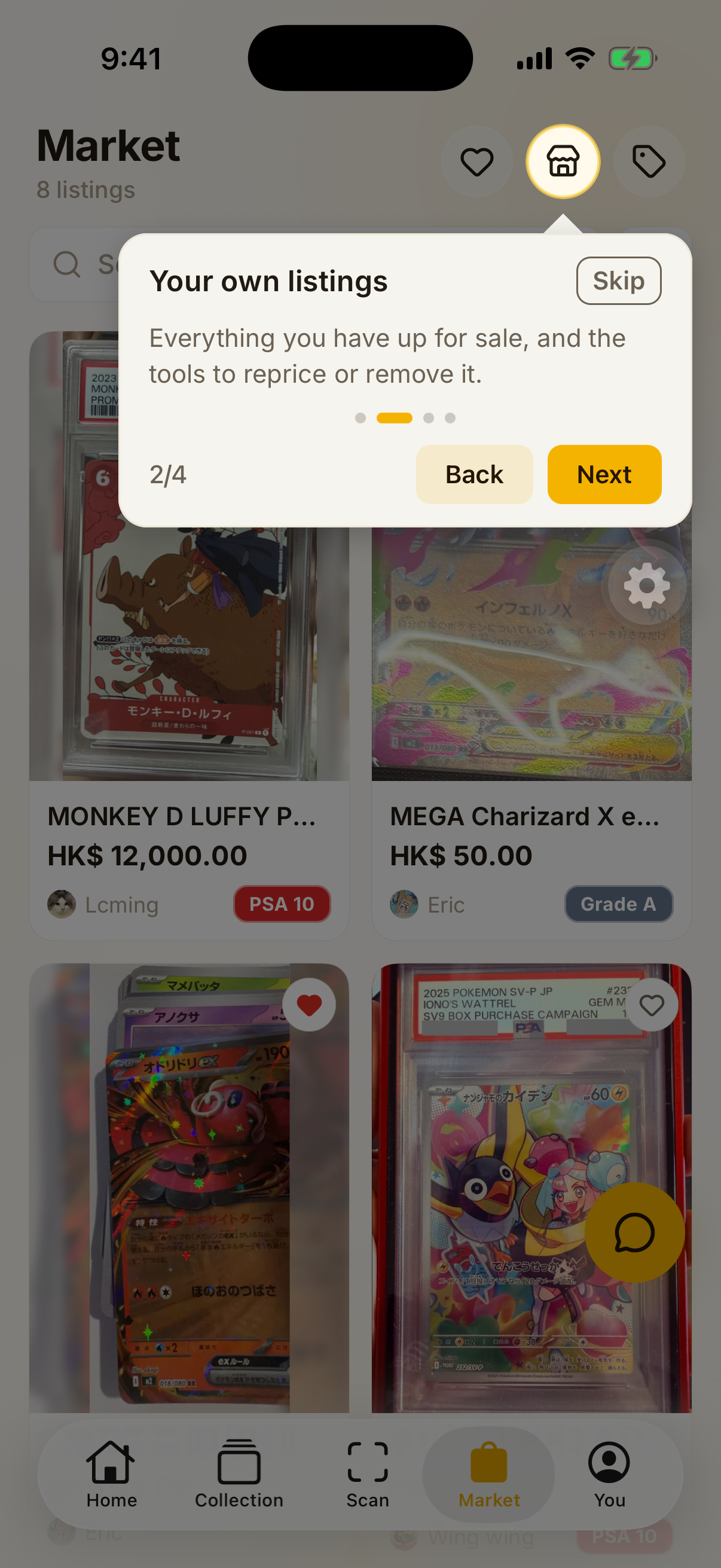
Market 2/4Your own listingsEverything you have up for sale, and the tools to reprice or remove it.
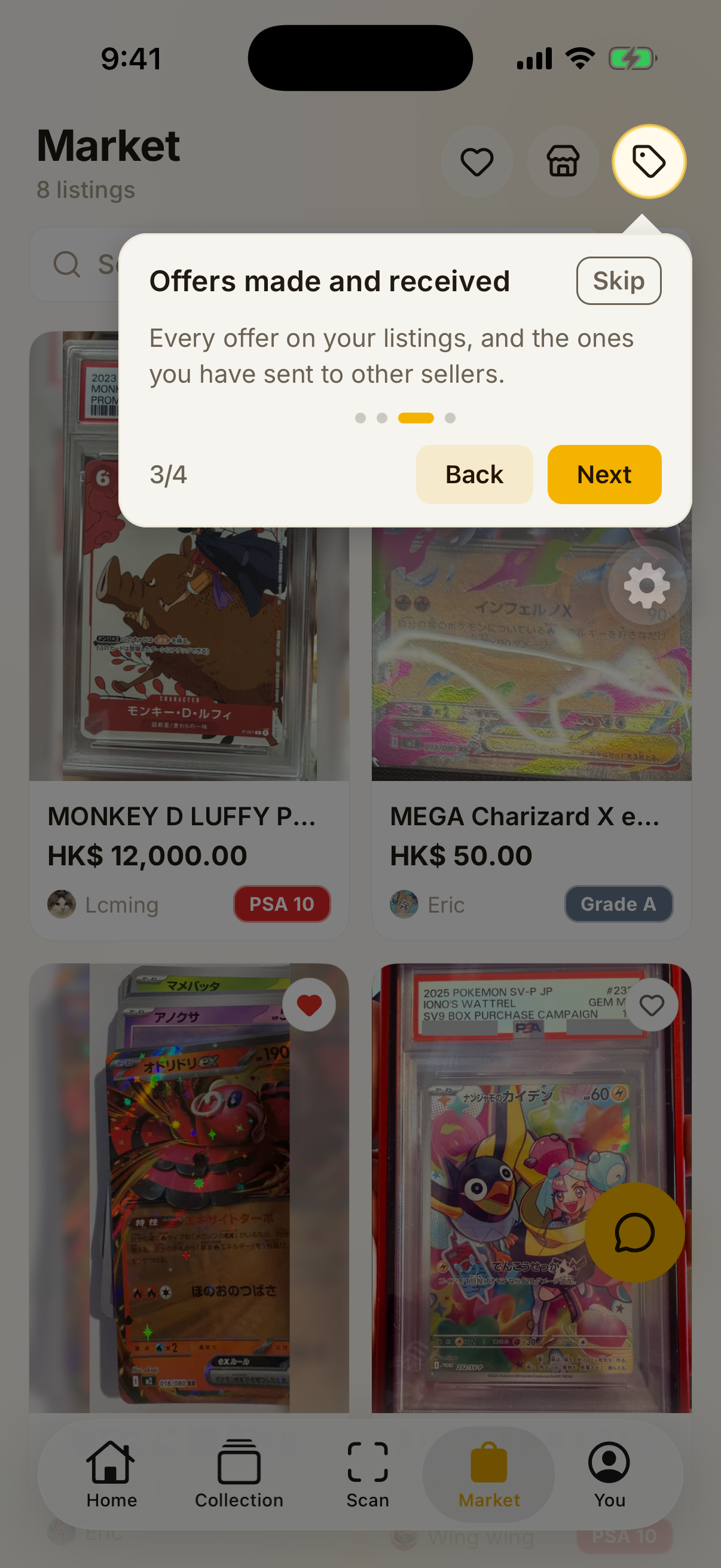
Market 3/4Offers made and receivedEvery offer on your listings, and the ones you have sent to other sellers.
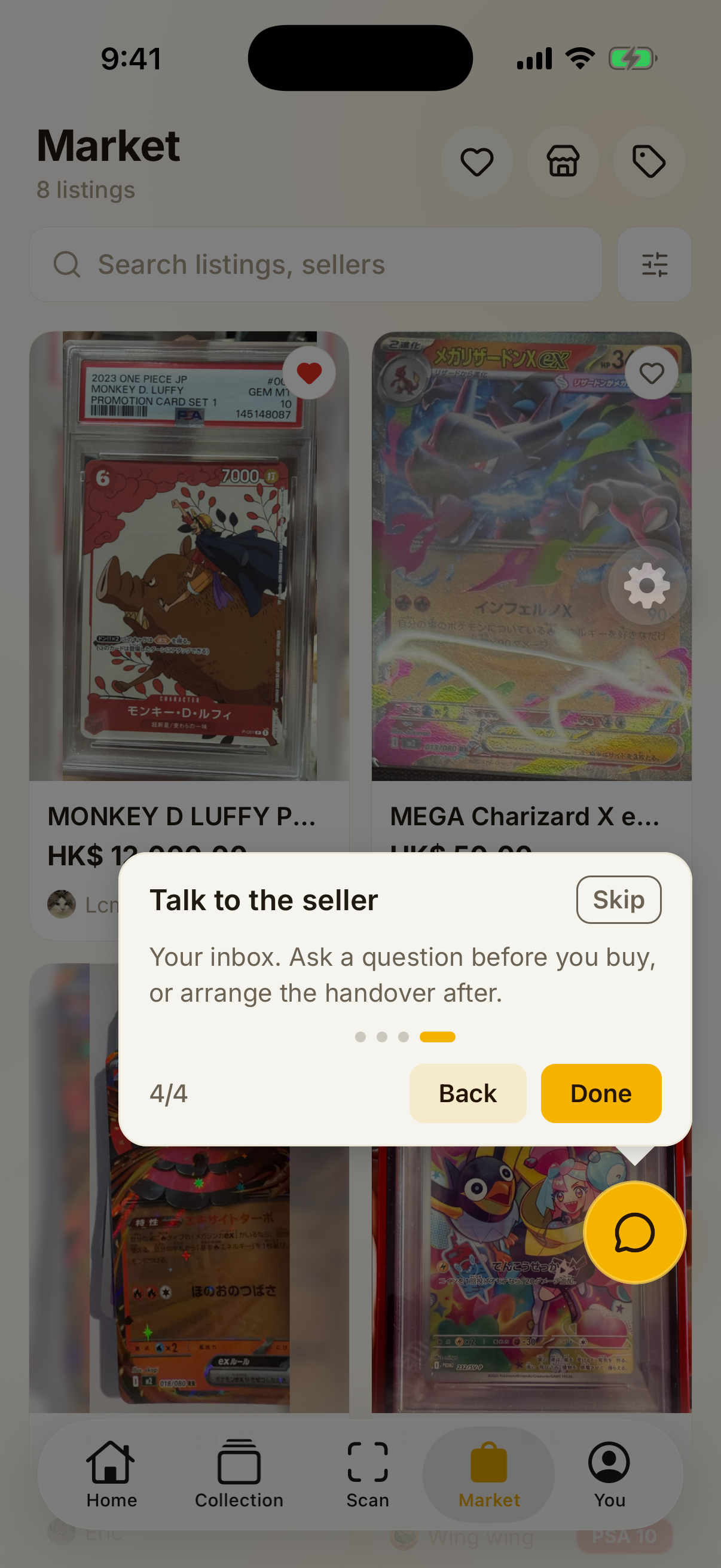
Market 4/4Talk to the sellerYour inbox. Ask a question before you buy, or arrange the handover after.
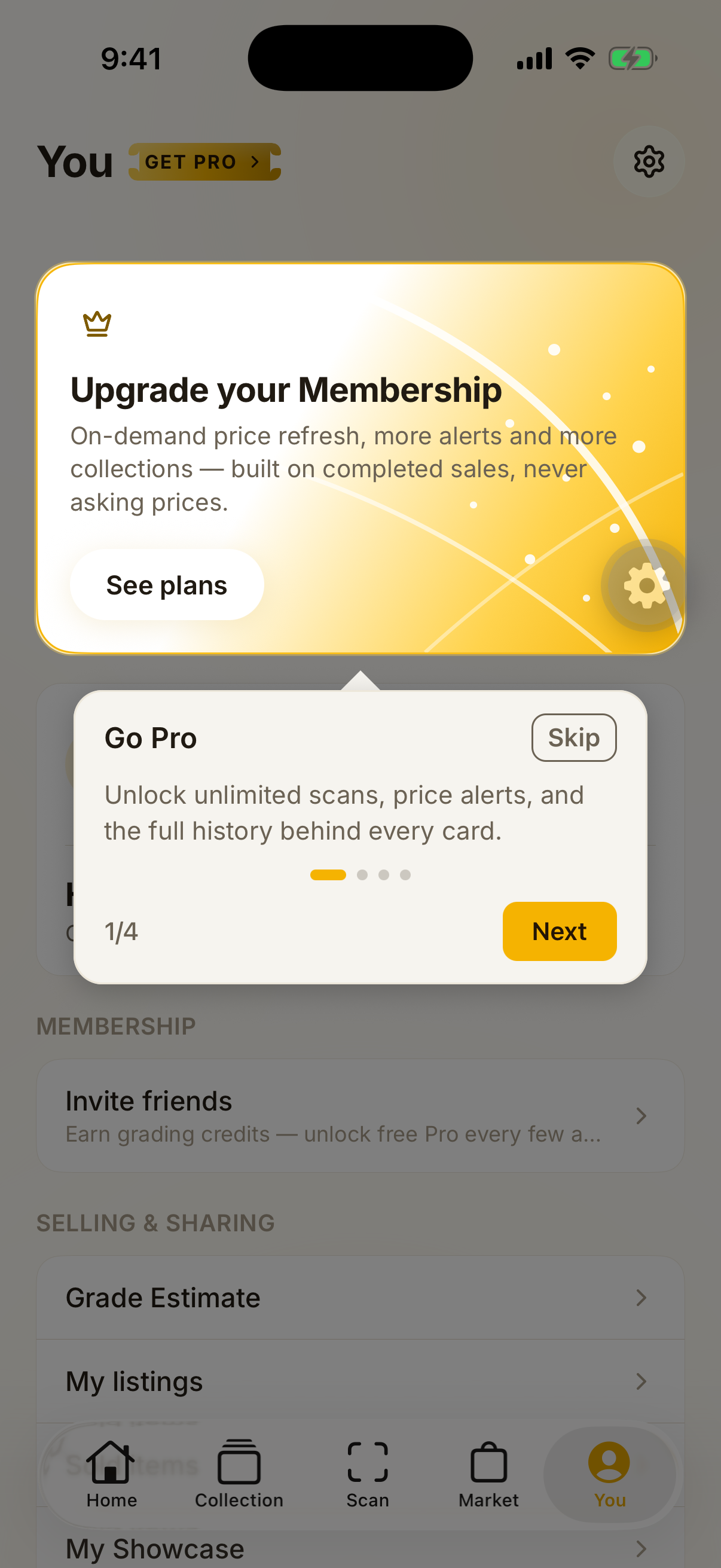
You 1/4Go ProUnlock unlimited scans, price alerts, and the full history behind every card.
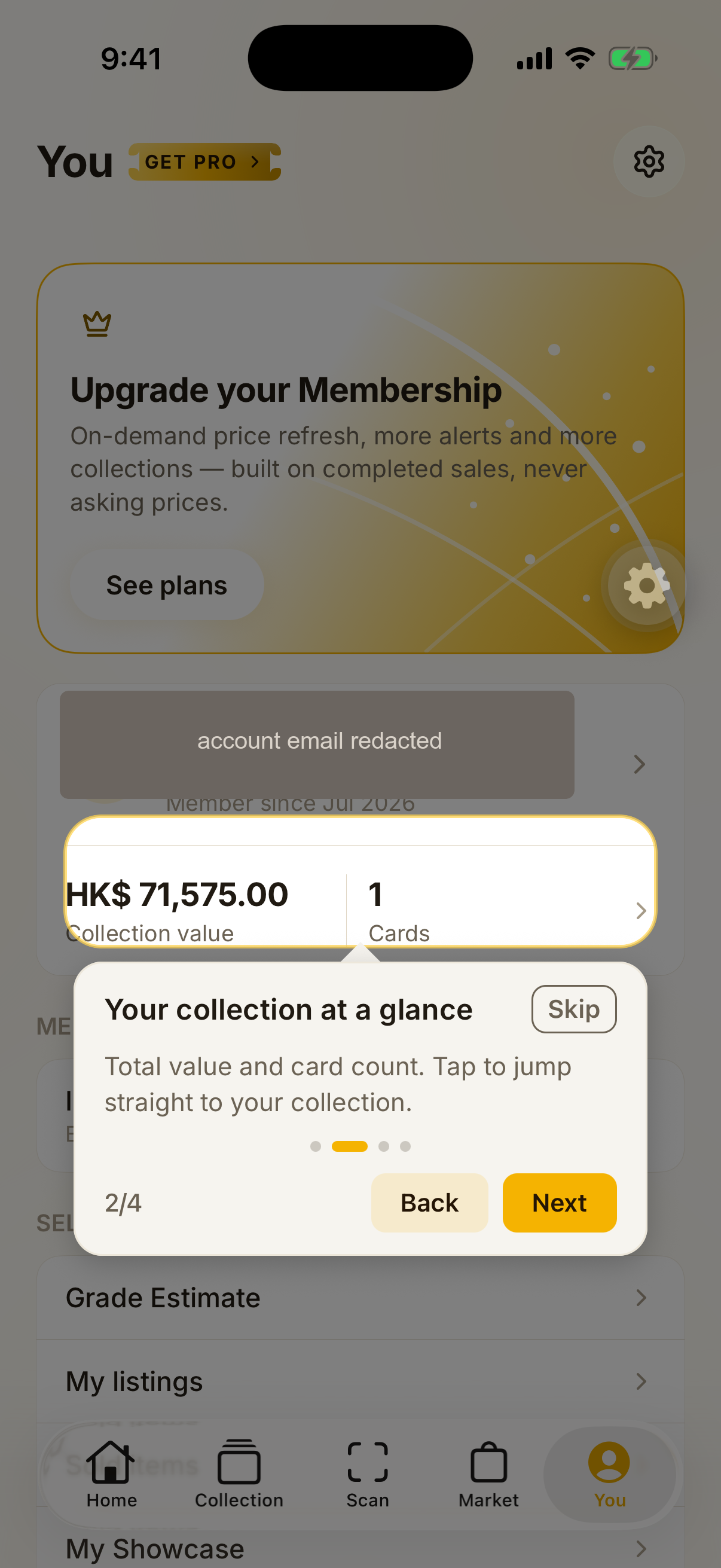
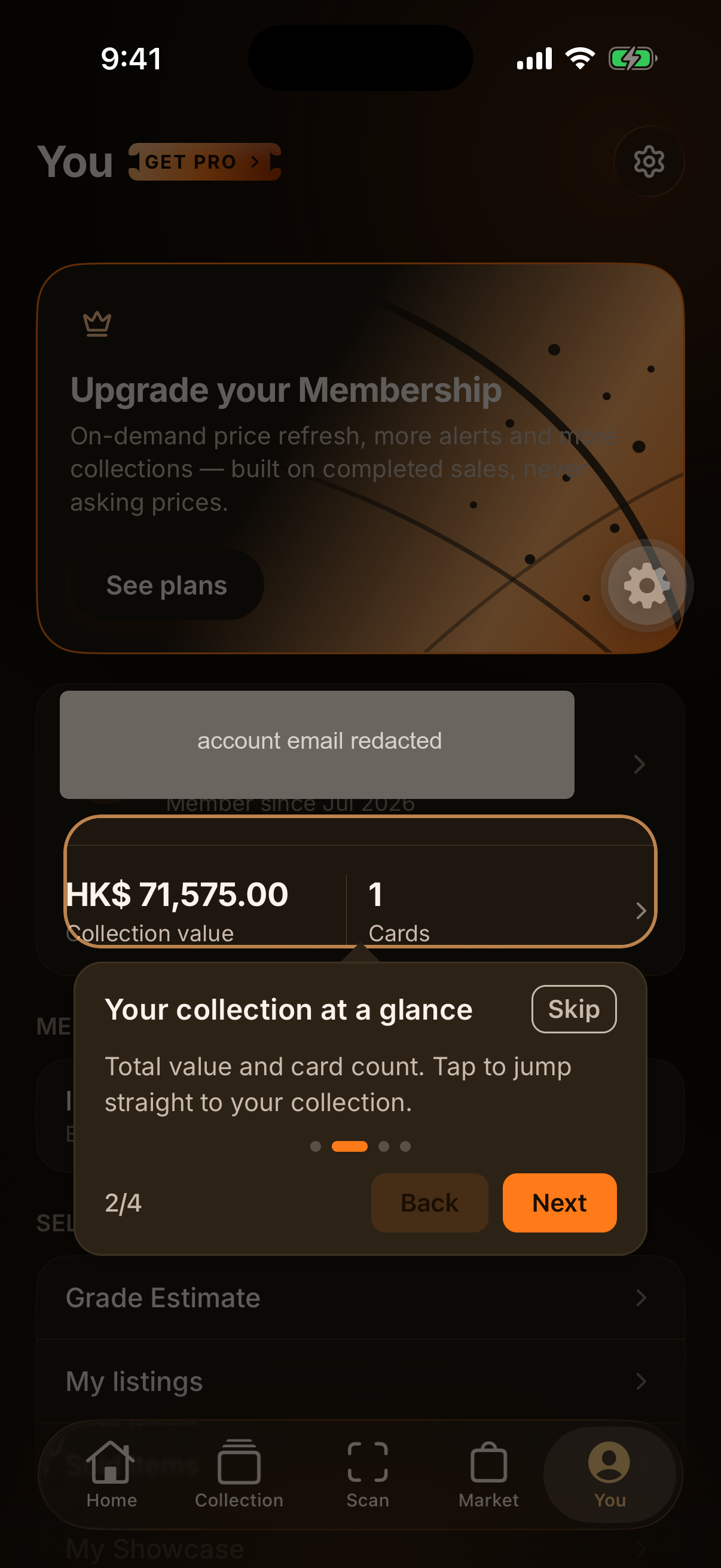
You 2/4Your collection at a glanceTotal value and card count. Tap to jump straight to your collection.
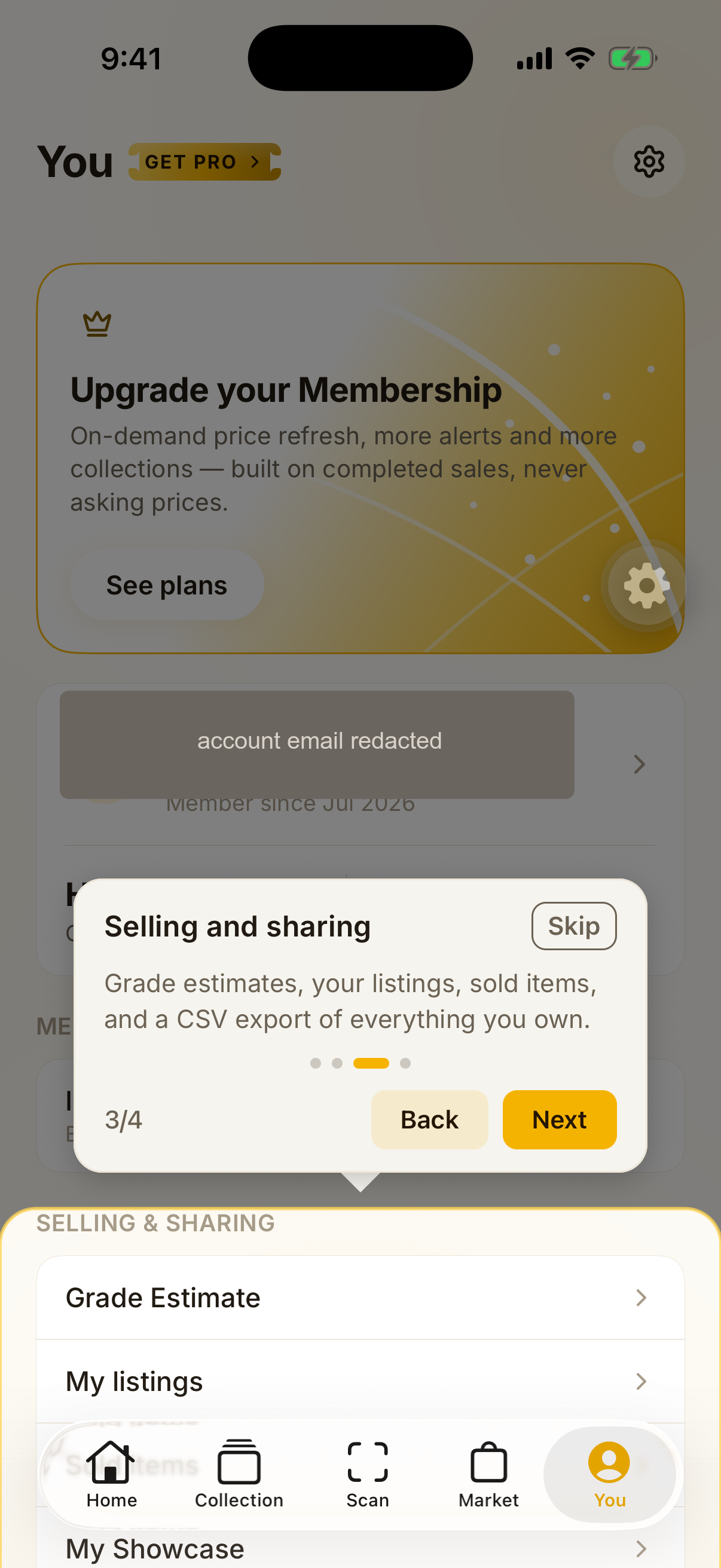
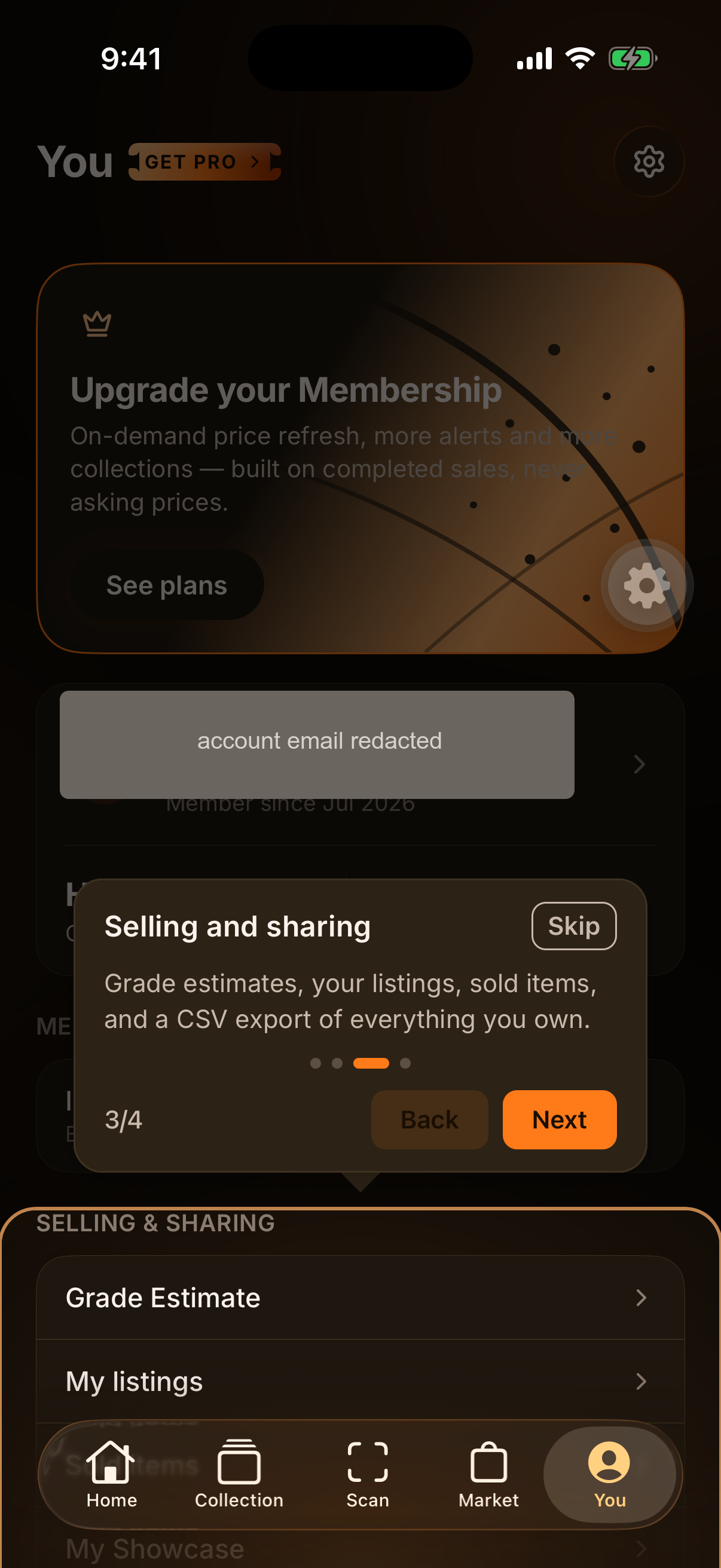
You 3/4Selling and sharingGrade estimates, your listings, sold items, and a CSV export of everything you own.
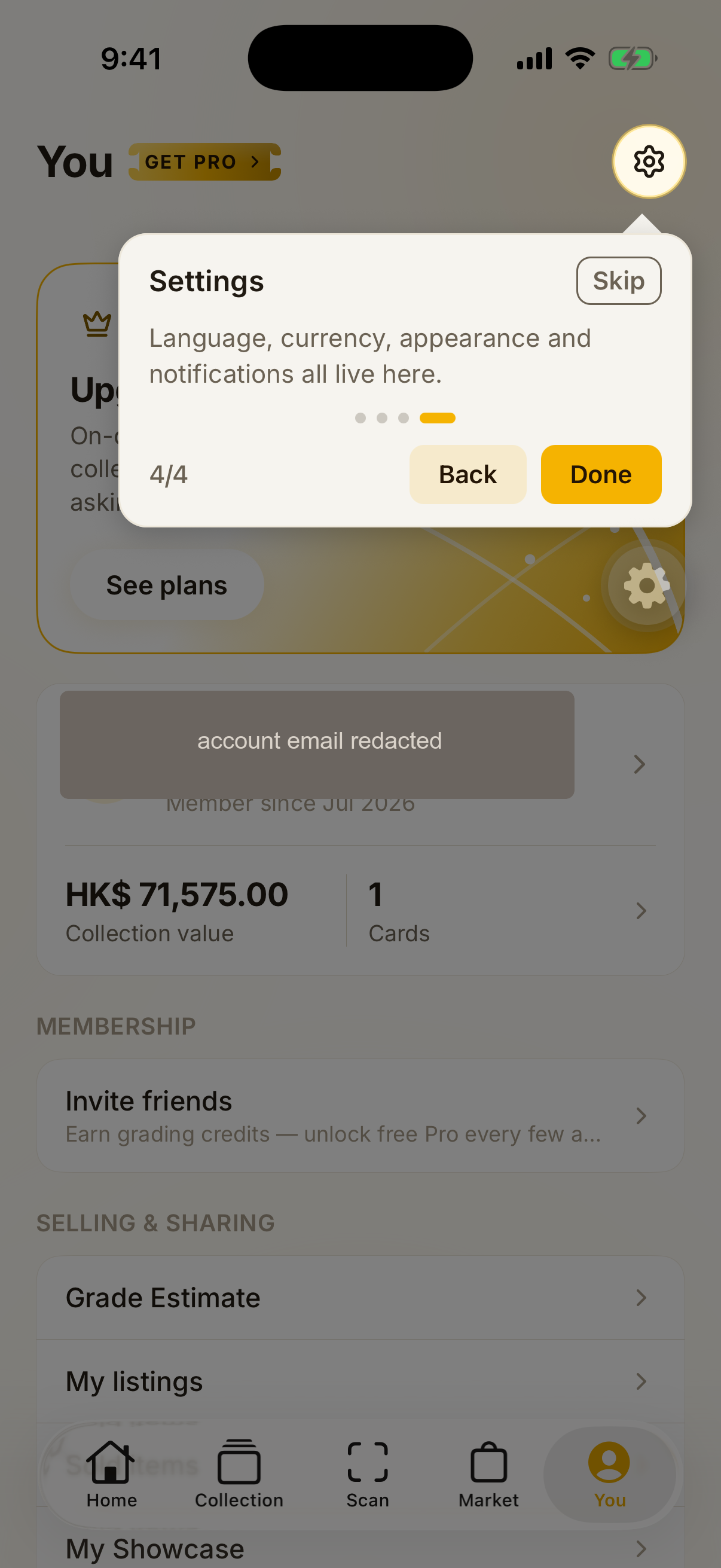
You 4/4SettingsLanguage, currency, appearance and notifications all live here.
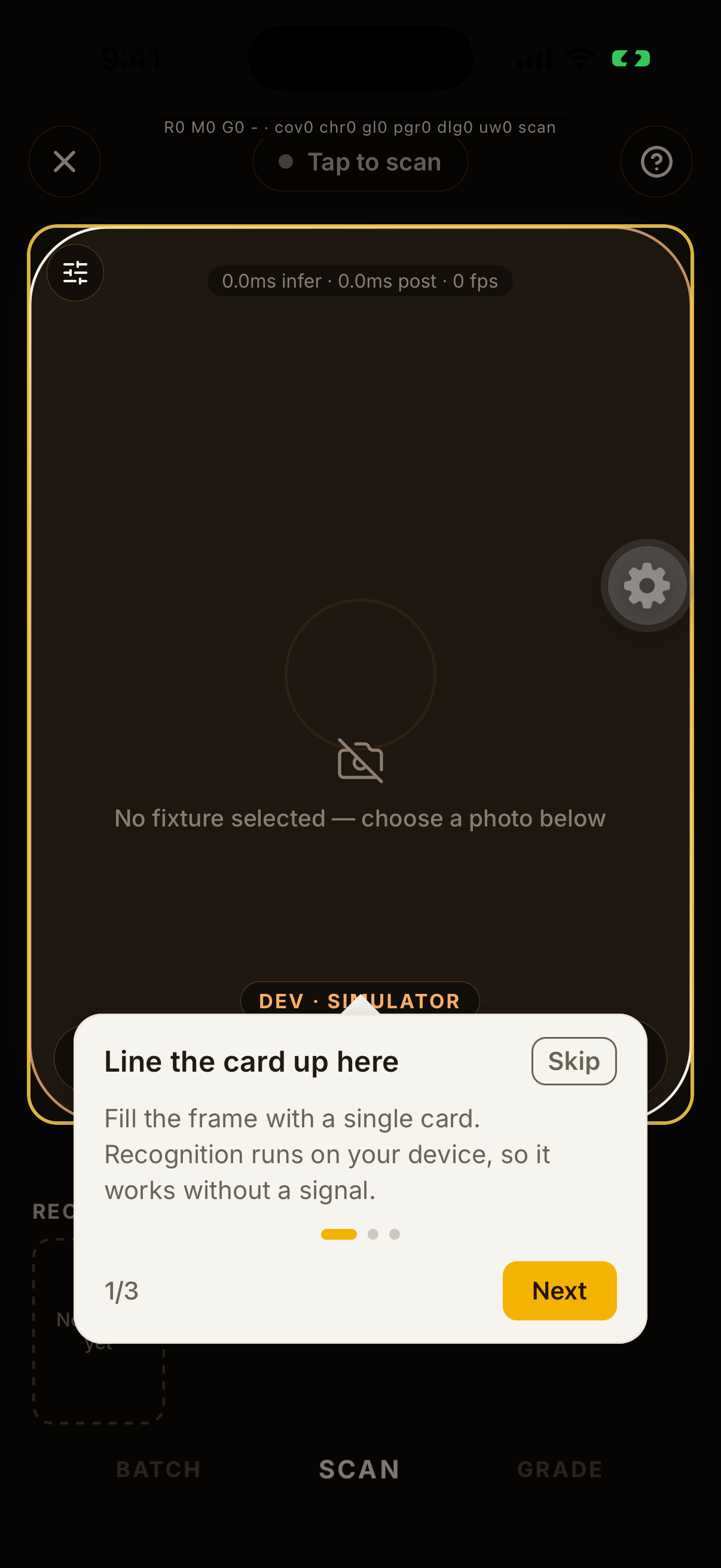
Camera 1/3Line the card up hereFill the frame with a single card. Recognition runs on your device, so it works without a signal.3 of 4 — the torch step is correctly dropped: the simulator has no camera device.
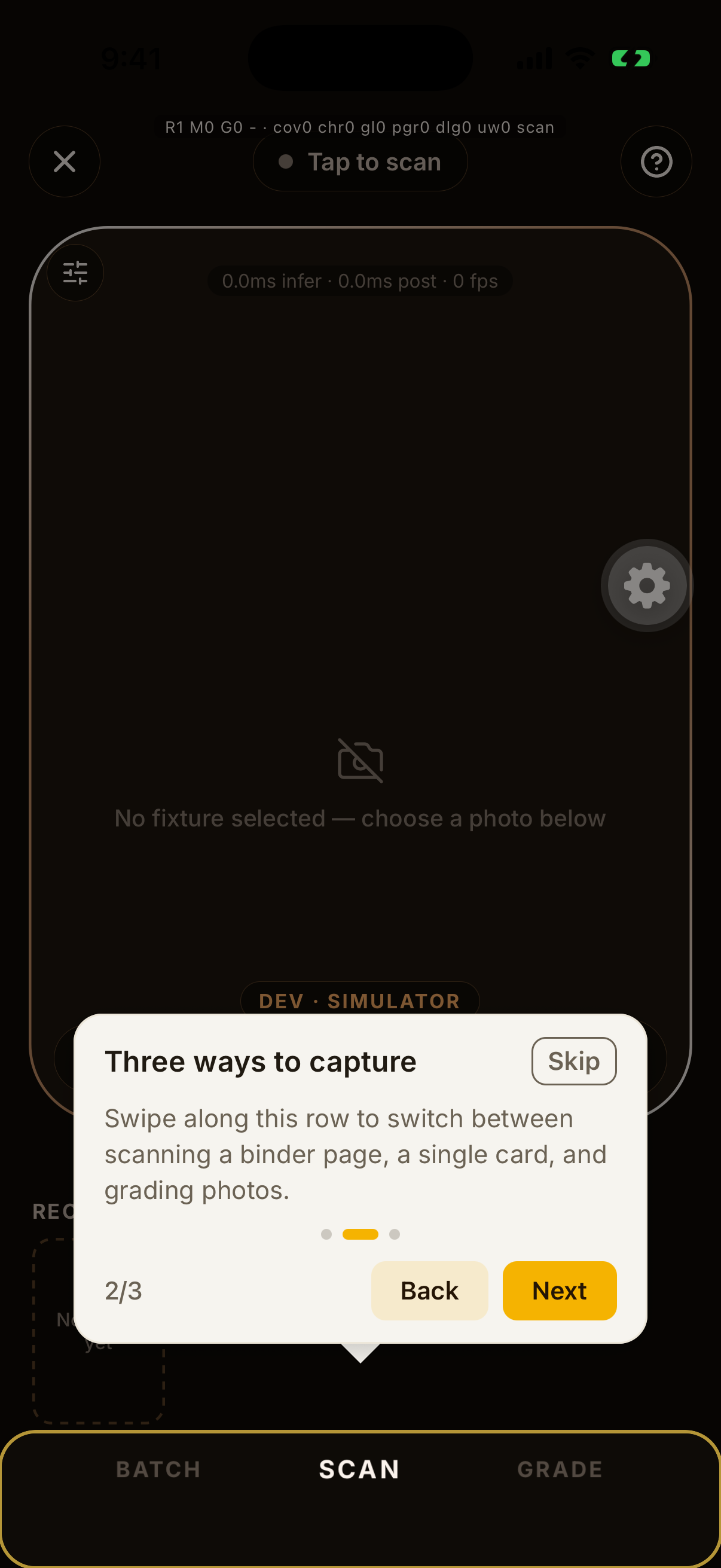
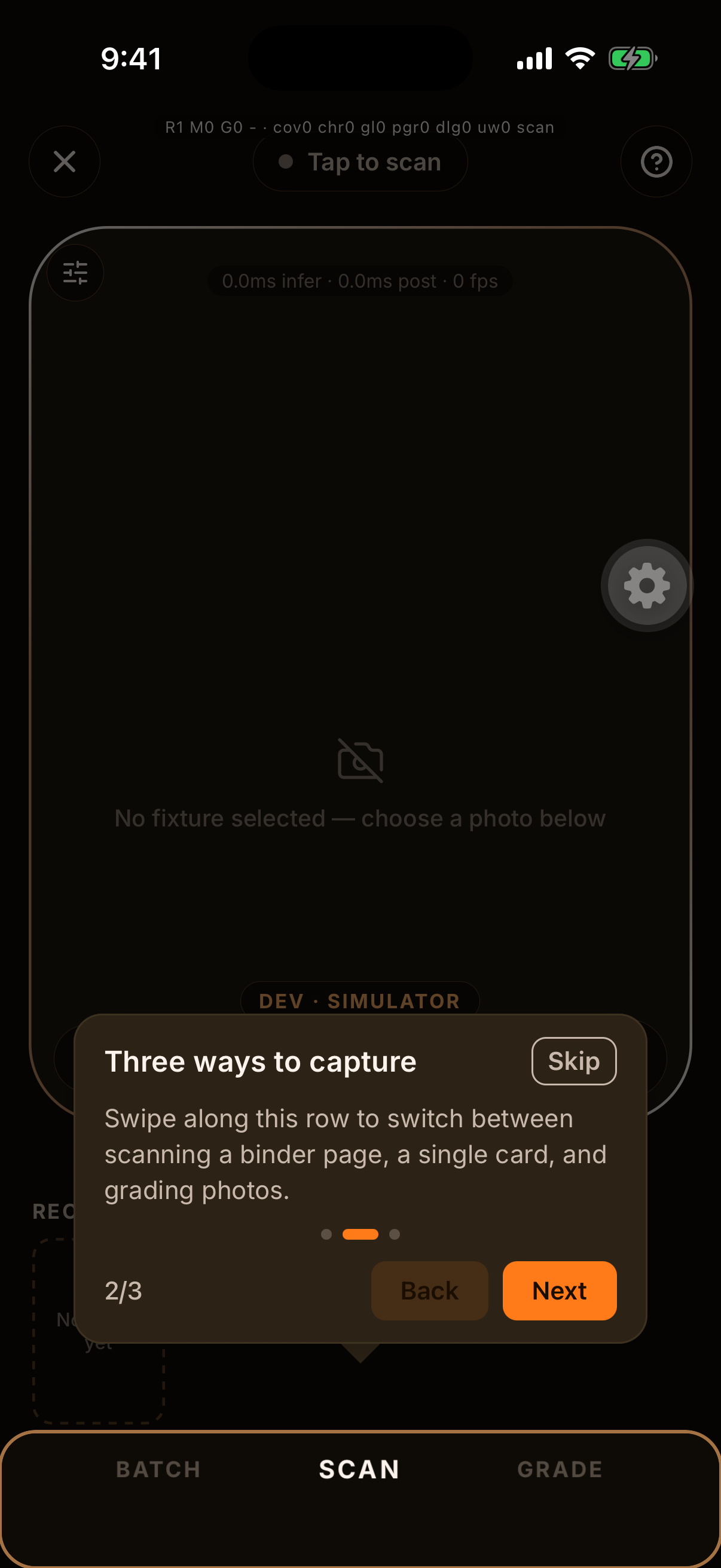
Camera 2/3Three ways to captureSwipe along this row to switch between scanning a binder page, a single card, and grading photos.
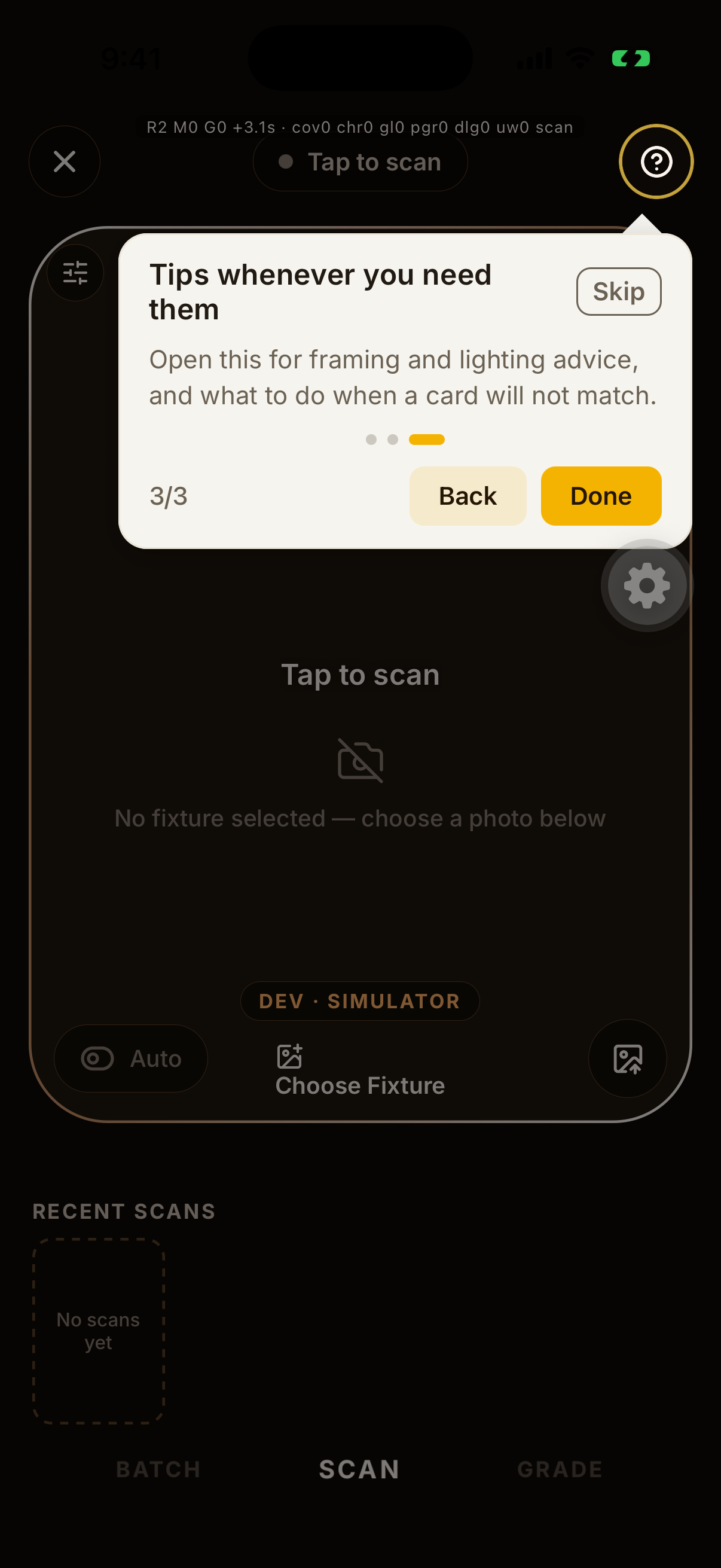
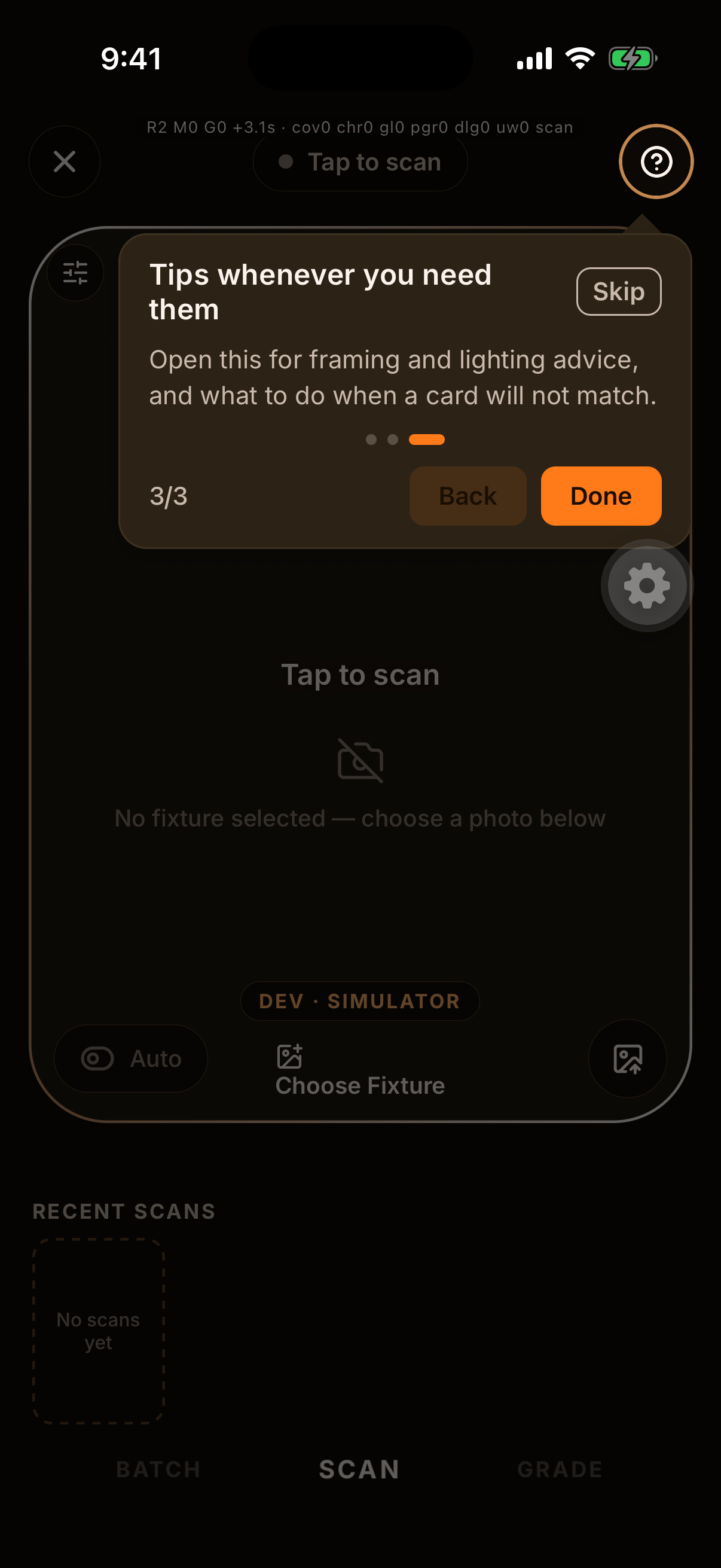
Camera 3/3Tips whenever you need themOpen this for framing and lighting advice, and what to do when a card will not match.